[!TIP]
文档编写时间:2021-12-29
安装Container Insights作为DaemonSet
为工作节点附加Cloudwatch权限,$ROLE_NAME为集群节点的IAM角色
aws iam attach-role-policy \
  --role-name $ROLE_NAME \
  --policy-arn arn:aws:iam::aws:policy/CloudWatchAgentServerPolicy
部署Container Insights,test-eks为集群名称,${AWS_REGION}填写EKS集群所在区域
curl -s https://raw.githubusercontent.com/aws-samples/amazon-cloudwatch-container-insights/latest/k8s-deployment-manifest-templates/deployment-mode/daemonset/container-insights-monitoring/quickstart/cwagent-fluentd-quickstart.yaml | sed "s/{{cluster_name}}/test-eks/;s/{{region_name}}/${AWS_REGION}/" | kubectl apply -f -
## output
namespace/amazon-cloudwatch created
serviceaccount/cloudwatch-agent created
clusterrole.rbac.authorization.k8s.io/cloudwatch-agent-role created
clusterrolebinding.rbac.authorization.k8s.io/cloudwatch-agent-role-binding created
configmap/cwagentconfig created
daemonset.apps/cloudwatch-agent created
configmap/cluster-info created
serviceaccount/fluentd created
clusterrole.rbac.authorization.k8s.io/fluentd-role created
clusterrolebinding.rbac.authorization.k8s.io/fluentd-role-binding created
查看
kubectl -n amazon-cloudwatch get daemonsets
## output
NAME                 DESIRED   CURRENT   READY   UP-TO-DATE   AVAILABLE   NODE SELECTOR   AGE
cloudwatch-agent     2         2         2       2            2           <none>          26s
fluentd-cloudwatch   2         2         2       2            2           <none>          23s
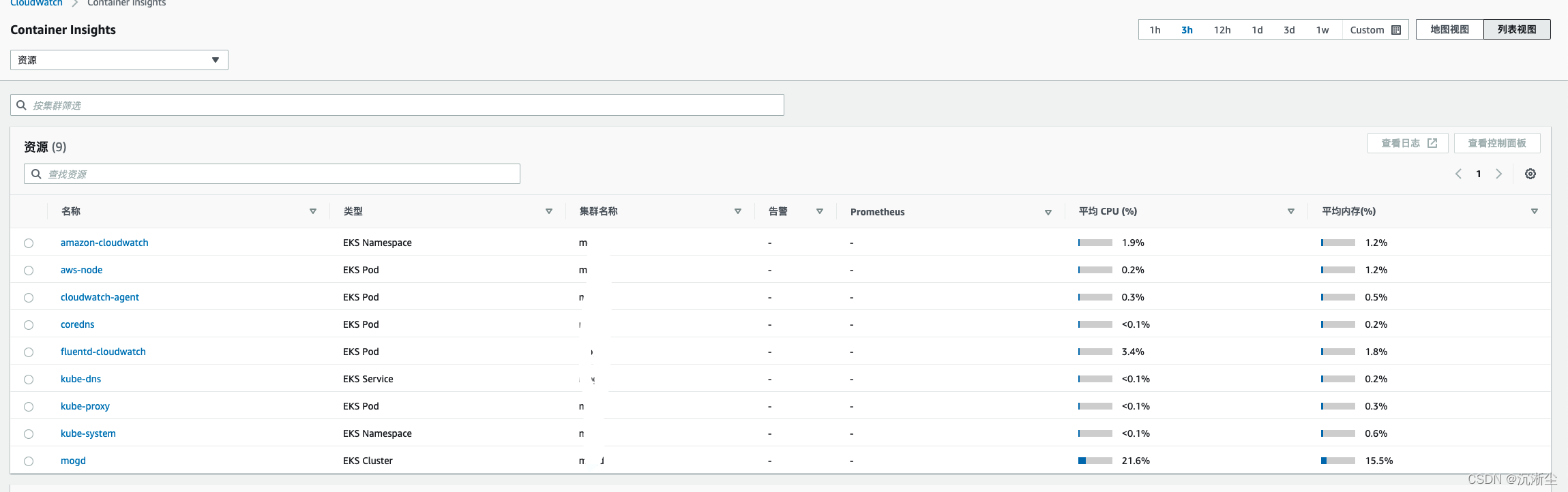
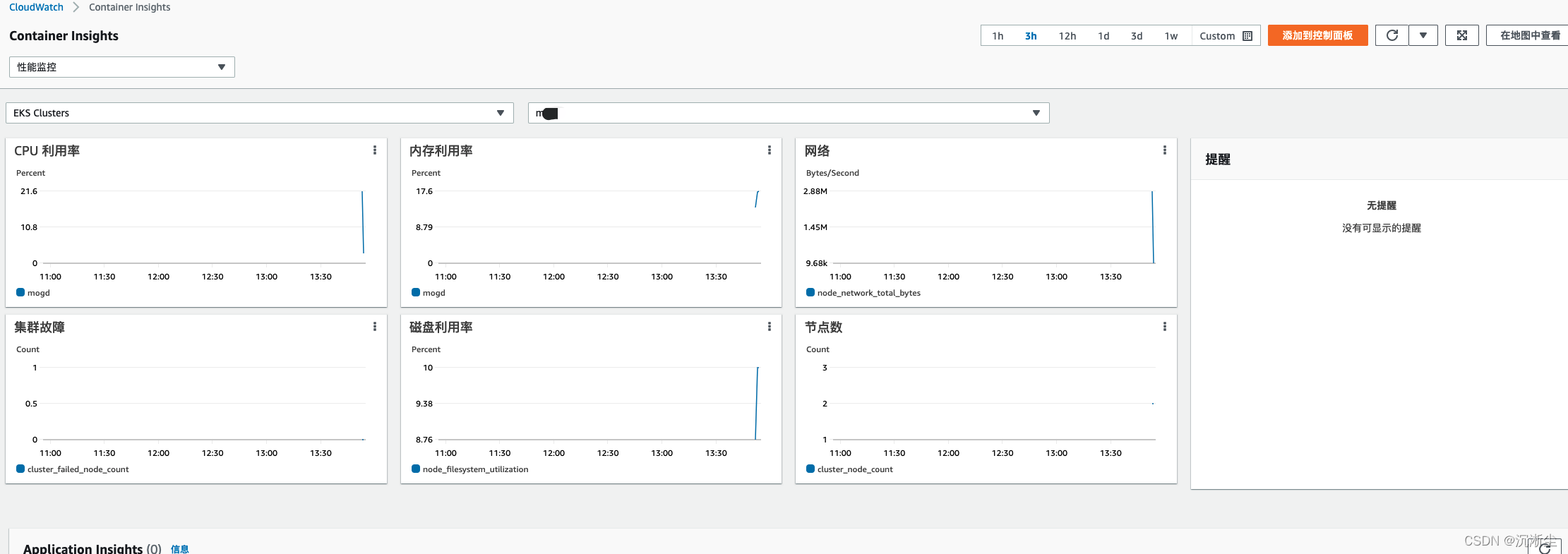
Cloudwatch查看指标